
Free YouTube Video Summarizer by Wordvice AI
Ever clicked on a YouTube video just to sit through 40 minutes of content for two points you actually needed? It happens to all of us. Whether you're a student keeping up with lecture recordings, a researcher skimming webinars, or a professional who can't spare an hour, the Wordvice AI YouTube Video Summarizer was built for exactly that.
Paste a link, pick your language, and get a clean, easy-to-follow summary in seconds. No fluff, no wasted time. Just the key ideas, laid out in a way that actually makes sense.
How It Works: Summarize a YouTube Video in 3 Steps
Paste the YouTube URL
Copy the link from any YouTube video and drop it into the Wordvice AI input box.
Choose your language
Want your summary in Spanish, Korean, Japanese, or something else? Select it before you hit Summarize.
Get your summary instantly
The AI reads the video transcript and delivers a clear, structured breakdown in seconds.
Summary, Mindmap, and AI Chat: One Complete Toolkit
Most YouTube video summarizer tools give you a wall of text and call it done. Wordvice AI works differently. You get three connected features that work together so you can actually understand the video, not just skim it.
| Summary | The AI reads the full video transcript and organizes key points into a clean, readable breakdown by topic. Each point comes with a clickable timestamp so you can jump straight to that moment without scrubbing through the whole thing. This is what a genuinely useful free AI YouTube video summarizer looks like in practice. |
|---|---|
| Mindmap | Switch to the Mindmap view, and all key topics are laid out visually as a branching map. See at a glance how the main ideas relate to each other, making complex content much easier to absorb quickly. |
| AI Chat | Still have a question? The AI chat lets you type anything about the video and get a direct answer pulled straight from the transcript. You just ask, and the answer comes to you. |
These three features make Wordvice AI far more than a basic summarizer YouTube video tool. A complete system for reading, visualizing, and actually understanding any YouTube content without ever pressing play.
Key Features of the Wordvice AI YouTube Summarizer
Get Summaries in Any Language
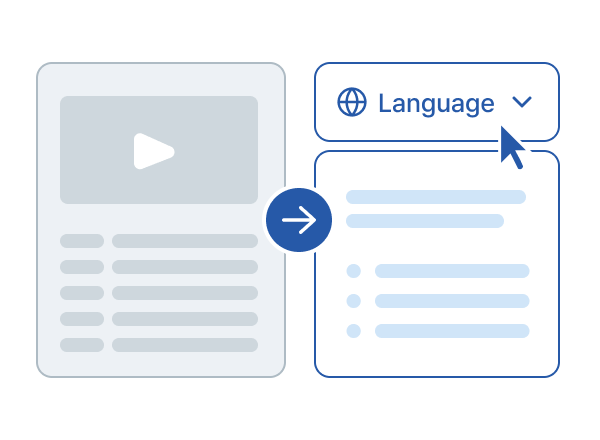
With Wordvice AI's YouTube Video Summarizer AI, you choose your preferred output language before generating your summary. The tool translates captions first, then summarizes, so the output reads naturally in your language rather than feeling like a rough machine translation.
A Korean graduate student watching an English university lecture gets a full, structured summary in Korean with no manual translation needed.
A global team catching up on a French client call reads all the key points in English within seconds.
An Arabic researcher, going through an English conference talk, pulls the main findings directly in Arabic and into their notes.
This is what makes the YouTube video summarizer's free language feature so valuable. It just works in the language that feels natural to you.
Script Translation
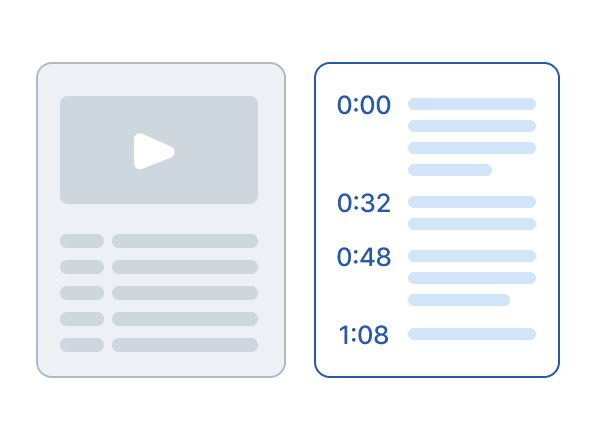
Along with your summary, you also get the full video script on the left side of the screen with a timestamp for every single line. Useful when you want to quote something exactly, or go deeper into a section.
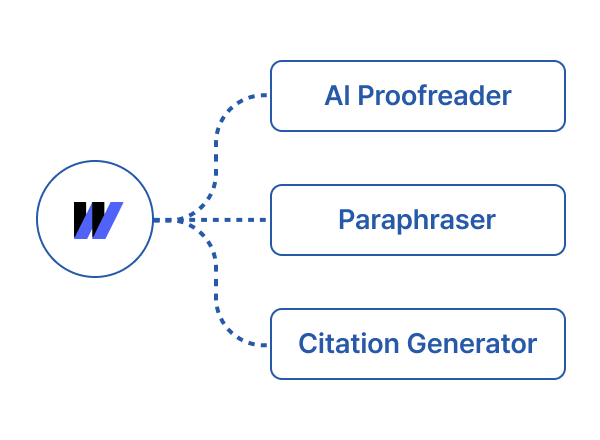
Part of the Wordvice AI Writing Toolkit
The summary is just the starting point. After getting it, the AI Proofreader catches errors and makes your writing clearer. Once the language is clean, the Paraphraser rewrites any section in whatever tone you need. And if you're using the video as a source, the Citation Generator handles your reference formatting automatically. All without opening another tab.
Who Uses the Wordvice AI YouTube Video Summarizer?

Students
- Turn long lecture recordings into clear revision notes in minutes.
- Find specific concepts without rewatching the full video.
- Save hours during exam season.

Researchers
- Screen conference talks in a fraction of the usual time.
- Use multilingual support to access international research content.
- Feed summaries directly into Wordvice AI tools for drafting.

Professionals
- Catch up on webinars and recorded meetings quickly.
- Extract key insights without blocking your calendar.
- Stay on top of trends without watching hours of content.

Content Creators
- Research competitor videos and trending topics efficiently.
- Pull key angles before writing your script.
- Use translation to research international creators.